

Accounts Widget
The Accounts widget provides customers with a consolidated view of the accounts ingested into the Bud platform. It helps customers to understand which accounts are contributing data to other widgets, while also enabling them to connect additional accounts through Open Banking.
If you're interested in displaying a list of accounts to your customers but do not wish to use Bud's widget you can integrate directly with our Accounts API.
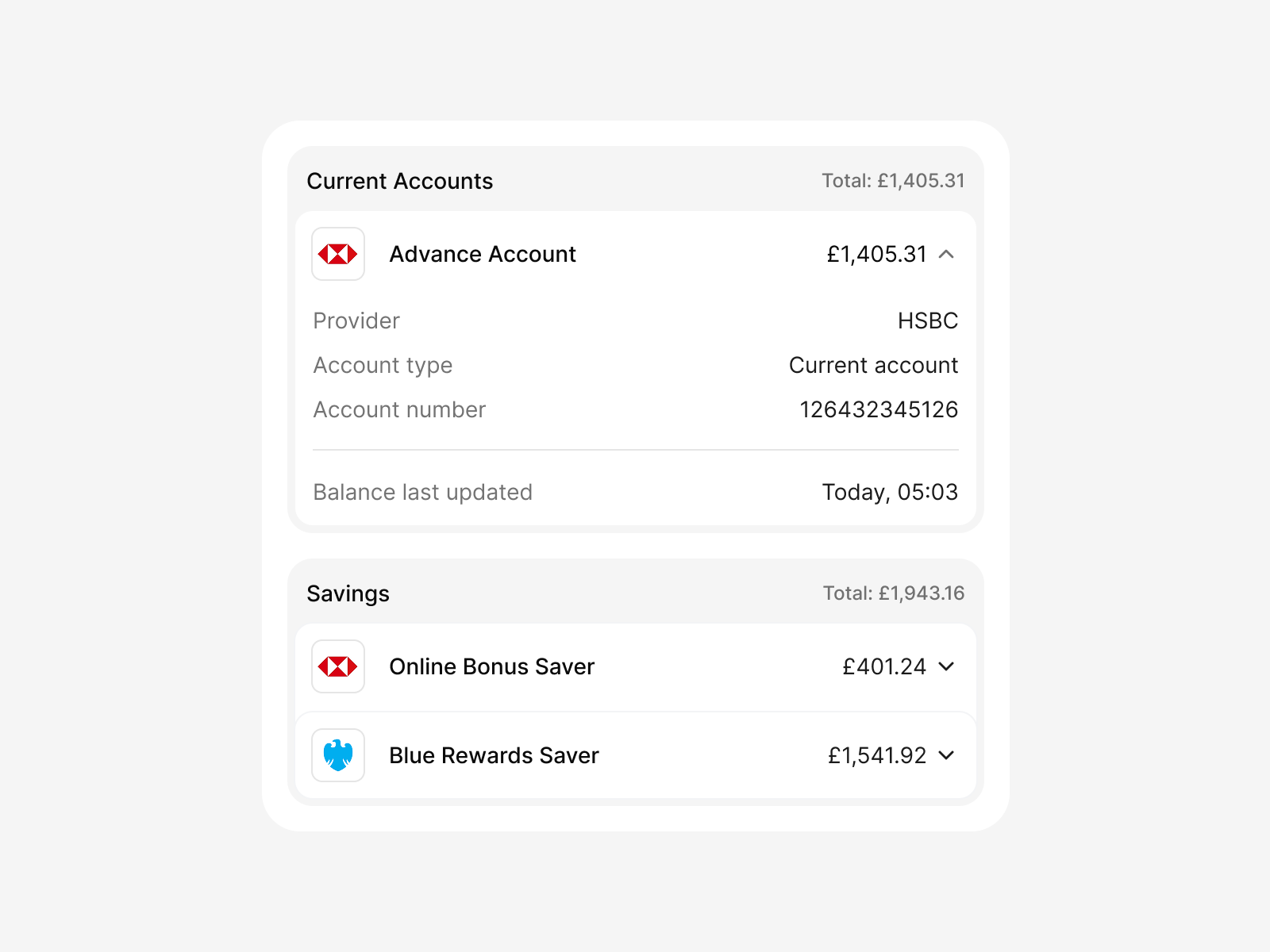
Accounts overview
How it works
The Accounts widget presents the data returned from the Accounts V3 endpoint, offering customers a clear visual representation of all their accounts available within the Bud platform.
Account grouping
Accounts are automatically grouped by account type. For each group, the widget displays an aggregated balance, allowing users to quickly understand their financial position across multiple providers. For example, all current accounts, regardless of provider, will be grouped together.
Account details
By default, all accounts are collapsed in order to reduce cognitive load on the customers, however, they can be expanded in order to view additional account details such as;
- Provider
- Account type
- Account number
- Credit line (where applicable)
- The last time the balance was updated
Third-party aggregation
If third-party aggregation is enabled as part of your contract, the Accounts widget will also allow your customers to connect external accounts via Open Banking as well as managing and revoking any connections that exist.
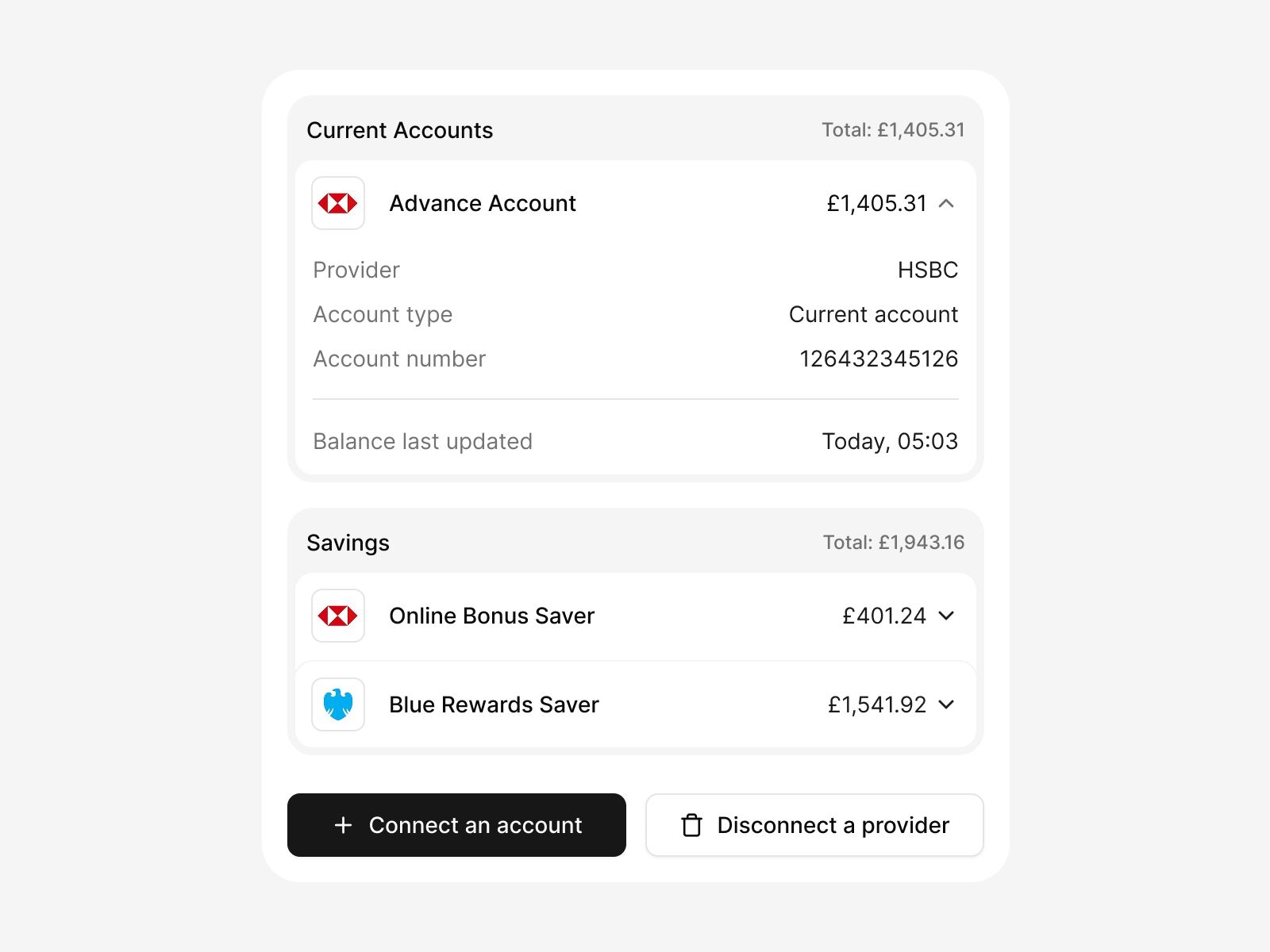
Accounts overview with account connection/disconnection
Updated 6 months ago